Create multiple screens for Simple Task Management App
View template previews, prompts, and related templates.
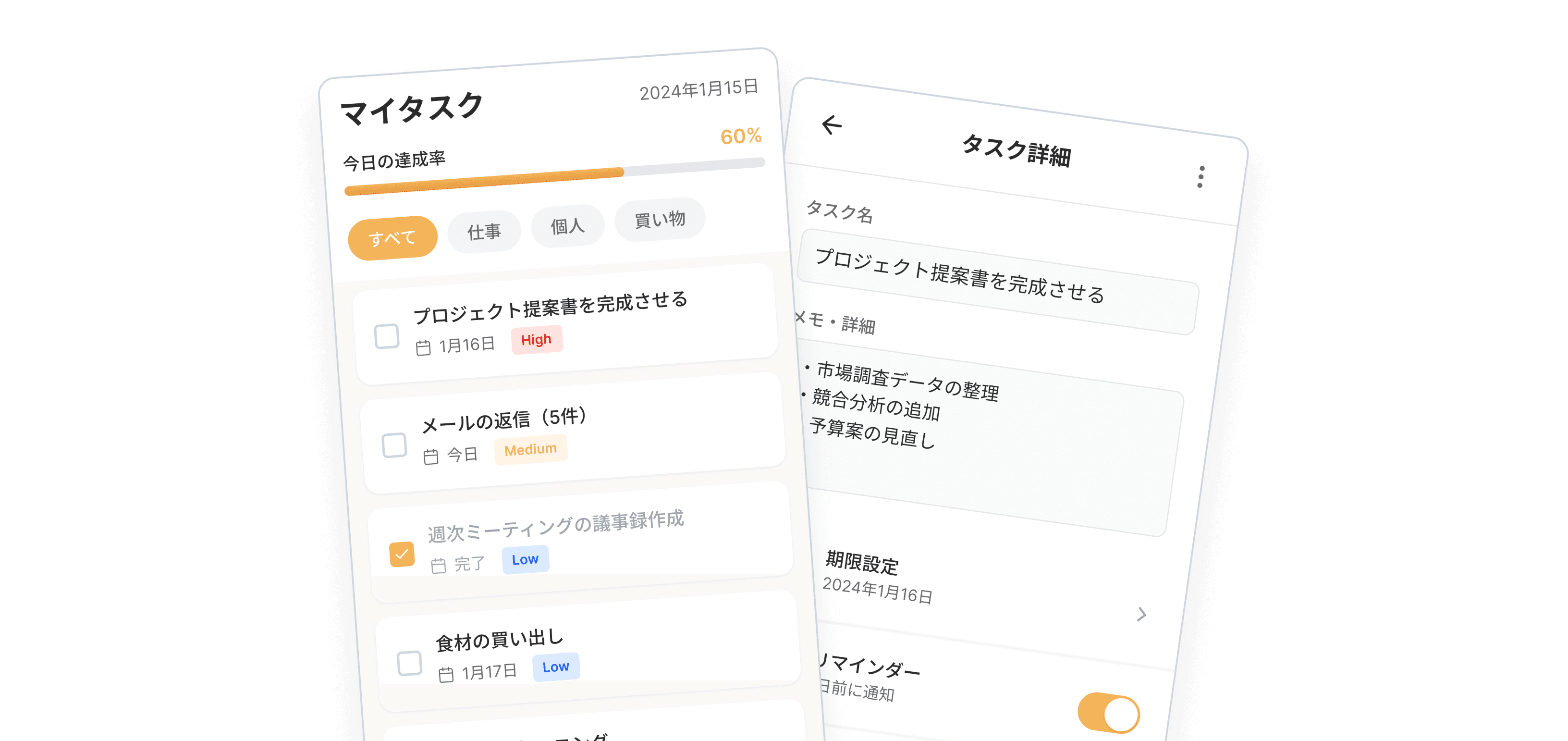
Prompt Example
More Prompt Templates
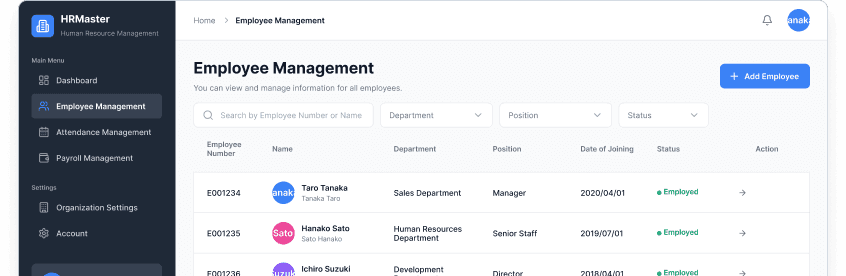
# Screen to Create
Employee management screen set for HR SaaS
# Required Screen Names
1. Employee List Screen
2. Employee Detail Screen
# Required Features in Screen
[Common Elements]
SaaS Dashboard
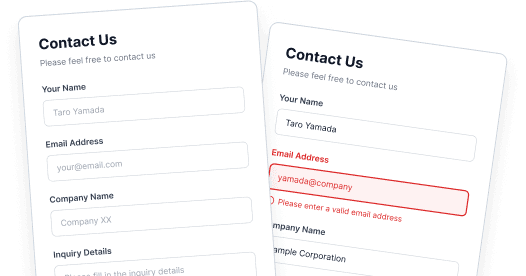
# Screen to Create
Contact form for BtoB service
# States to Generate
Create the following 3 states side-by-side:
1. Default (Empty/Initial state)
2. Active (Inputting/Focused state)
3. Error (Input error state)
Contact Form
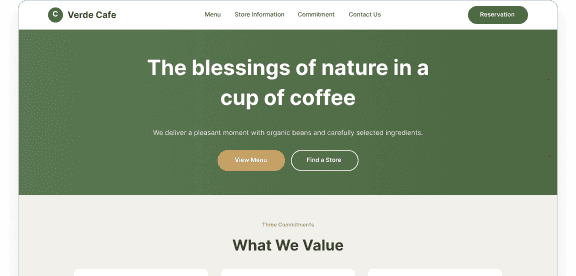
# Screen to Create
Landing page for an organic cafe
# Specified Color Palette (Strict Adherence)
- Primary Color: #4A6741 (Natural Earth Green)
- Secondary Color (Accent): #C5A065 (Warm Wood Color)
- Background: #F2F0EB (Unbleached Cotton-like Ecru)
- Text Color: #3E3630 (Soft Charcoal Brown)
Cafe Landing Page
# Screen to Create
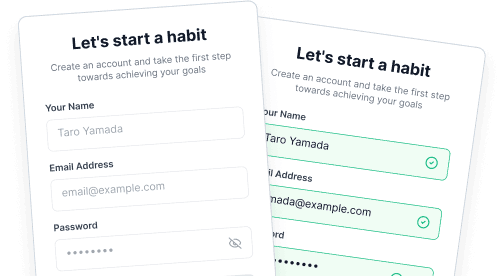
Sign Up screen for a habit-forming app
# States to Generate
Create the following 4 states side-by-side:
1. Default (Empty)
2. Active (Inputting)
3. Error (Condition mismatch/Error)
User Registration Form
# Screen to Create
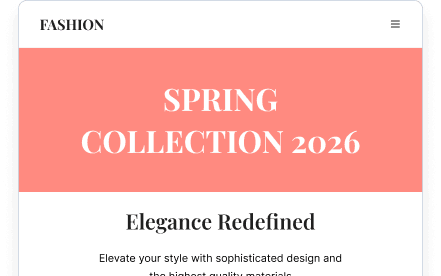
Landing page for an apparel brand (Smartphone design)
# Specified Color Palette (Strict Adherence)
- Primary Color: #FF8A80 (Coral Pink)
- Secondary Color (Accent): #212121 (Sophisticated Black)
- Background: #FFFFFF (Pure White)
- Text Color: #000000 (Pure Black)
Apparel Brand Landing Page
# Screen to Create
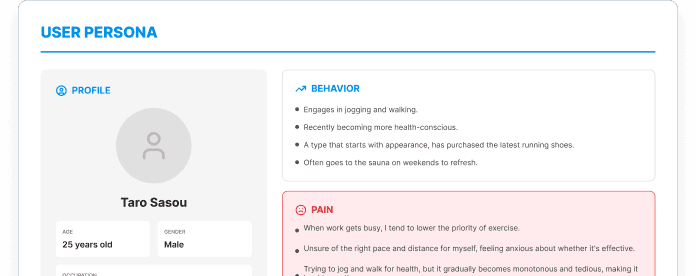
User Persona Sheet (1920x1080 slide format)
# Basic Persona Info
- Name: Taro Saso (25 years old, Male, Living in Tokyo)
- Occupation: Sales
# Information to Include in Sheet
1. PROFILE (Basic Info)
Fitness App Persona Sheet
# Screen to Create
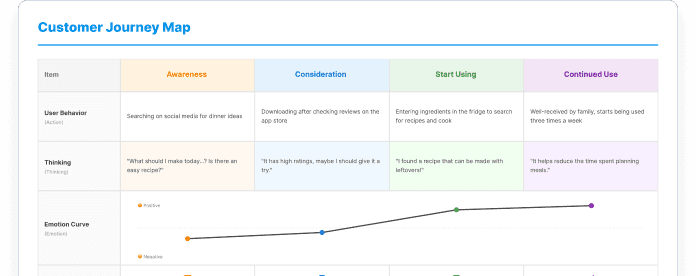
Customer Journey Map for Recipe Proposal App
# Map Structure (Table format)
Vertical Axis:
1. Phase (Awareness, Consideration, Usage Start, Continued Usage)
2. User Action (Action)
3. Thinking (Thinking)
Recipe Service Customer Journey Map
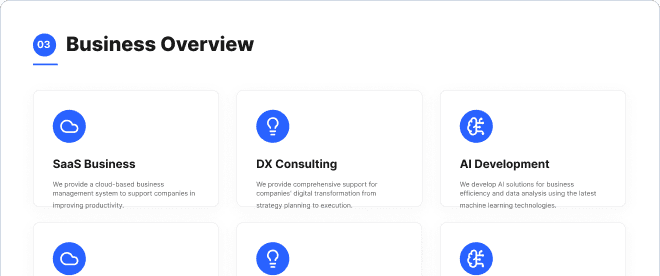
# Screen to Create
Company Deck Slides (5 slide set, 16:9)
# Required Slides
1. Cover Slide (Mandatory):
- Title: "Company Deck 2026"
2. Table of Contents Slide (Mandatory):
- Title "Index" or "Agenda"
Company Presentation Slides